For independent teachers and small schools
Plan lessons, mark who came, bill the month
Timeplanned is scheduling and billing software for teachers with regular students. Set each weekly slot once, then draft bills from the attendance record.
60 days free · no password · no credit card
$9.99 a month or $99 a year after the trial, including one teacher. Extra teachers cost more.
See how it works
Who Timeplanned is for
Timeplanned has a page for each of the four, with the details that matter in that kind of teaching.
Music teachers
Weekly 30-minute slots, ten-lesson cards and parents who pay.
Tutors
After-school one-to-ones, trial requests and a fee for late cancellations.
Language teachers
A conversation group next to private students in other time zones.
Driving schools
Learners request driving lessons, and each one is billed or taken off a package.

Since 2026 Timeplanned has been a premium partner of the Bundesverband der Freien Musikschulen (bdfm), Germany's federal association of independent music schools. About our partners
 CQUELLE GmbH

Technology partner and operator. CQUELLE GmbH in Hamburg builds and runs Timeplanned, hosted in Frankfurt.
 Flashside
Flashcard learning app with spaced repetition. Teachers can share collections for students to practise between lessons.
Sound familiar?
Three things that go wrong before the bill goes out.
- A student cancels Tuesday's lesson by text at 9:40 pm on Monday, and nobody is sure whether it is still owed.
- The timetable lives in your head, in a spreadsheet and in three WhatsApp groups. One moved slot puts all three out of date.
- At the end of the month you work out who came, who paid for March and who still owes, from memory.


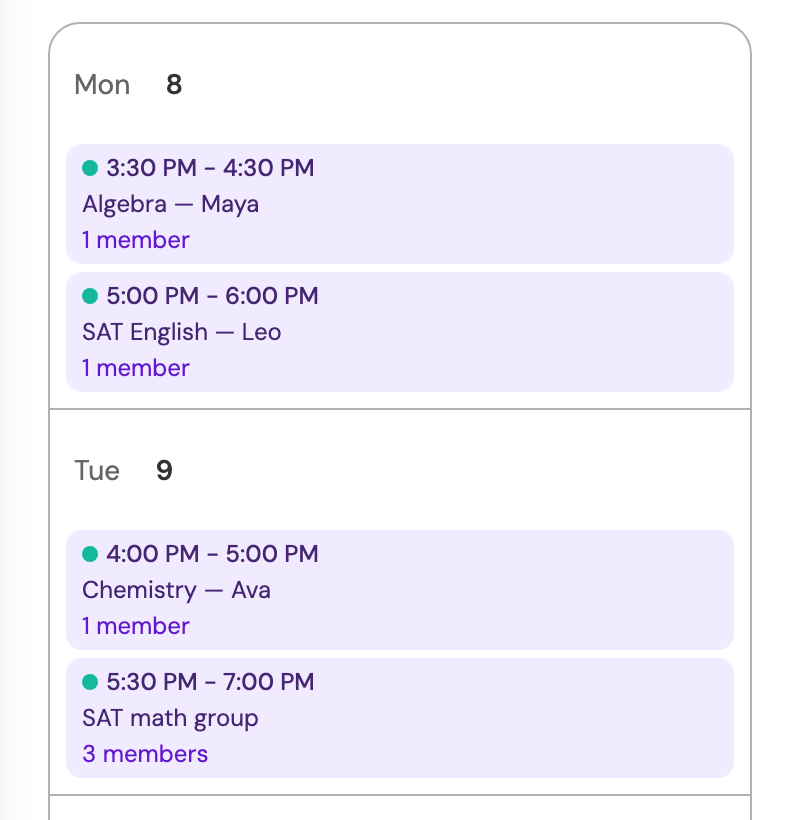
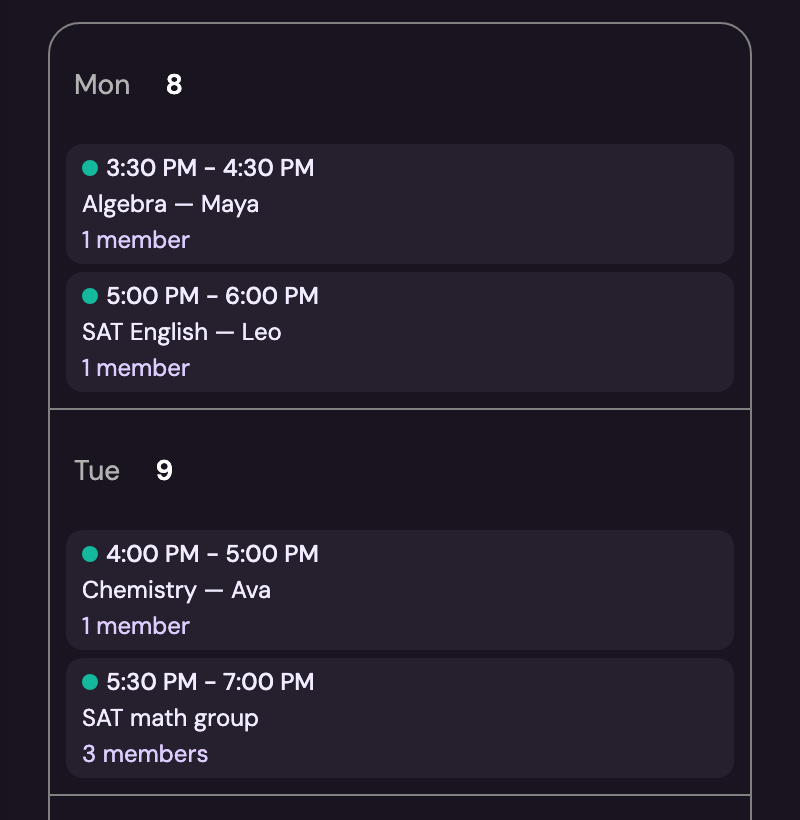
The same week in Timeplanned. Each lesson sits in its slot, and after it you mark who came.
How a month runs
Start with the students you already teach. Timeplanned carries their weekly lessons through to the month’s bills.
1
Set each weekly slot once
Add your students and their regular lesson times. Timeplanned repeats the schedule, so you do not enter the same lessons every week.
2
Record attendance and cancellations
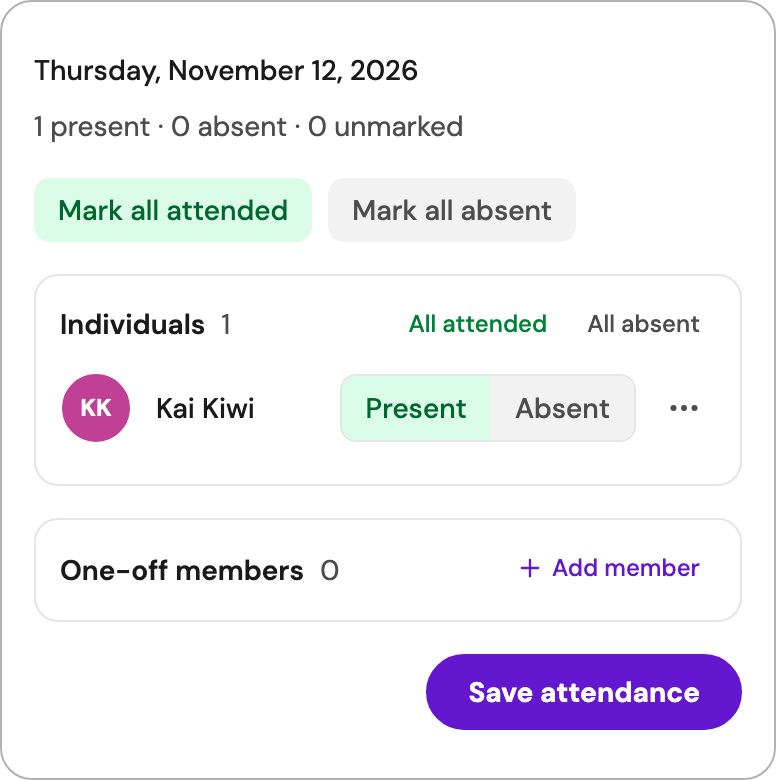
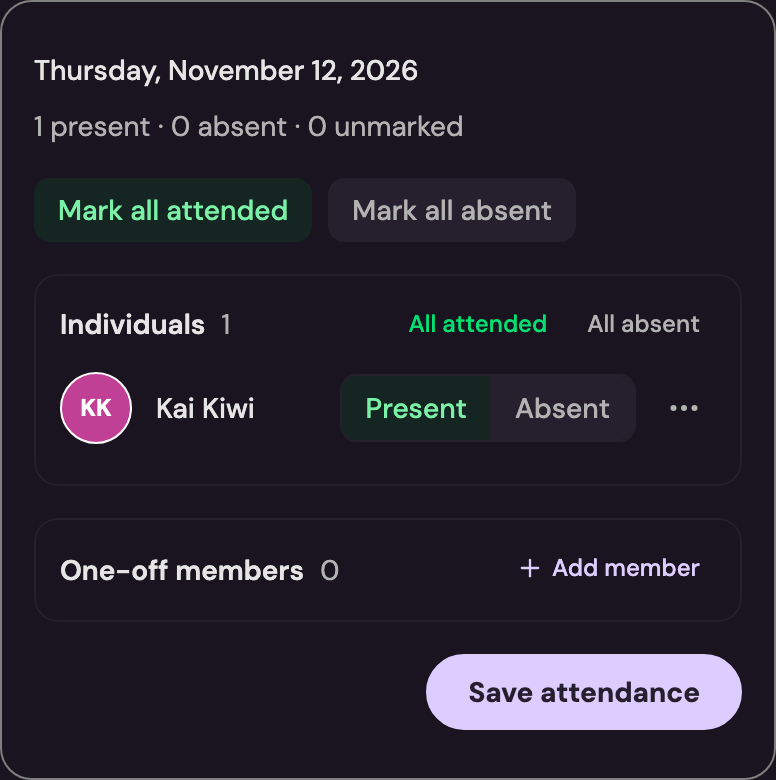
After each lesson, record whether it took place or was cancelled. Your cancellation policy determines whether a fee applies.
3
Review the month’s bills
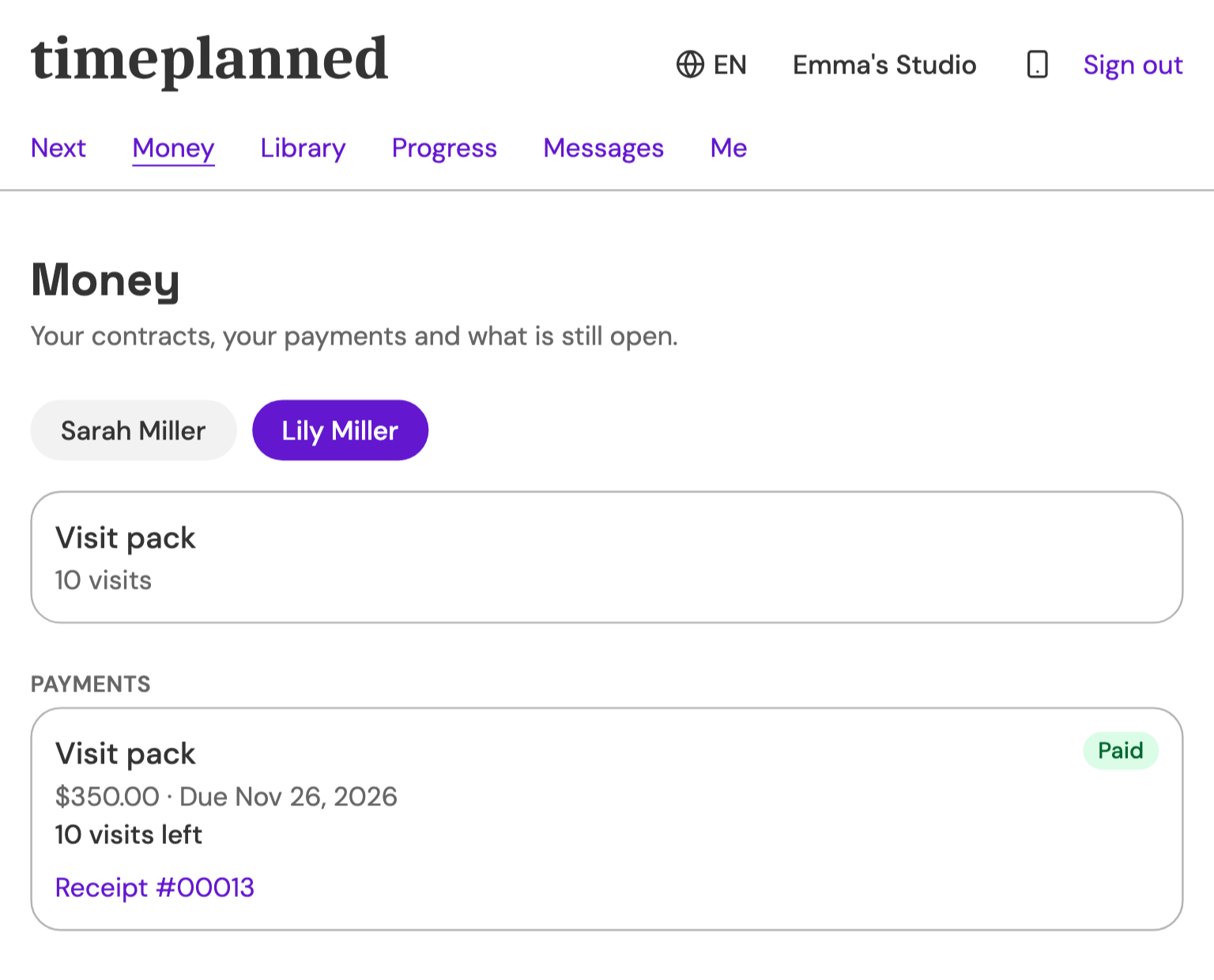
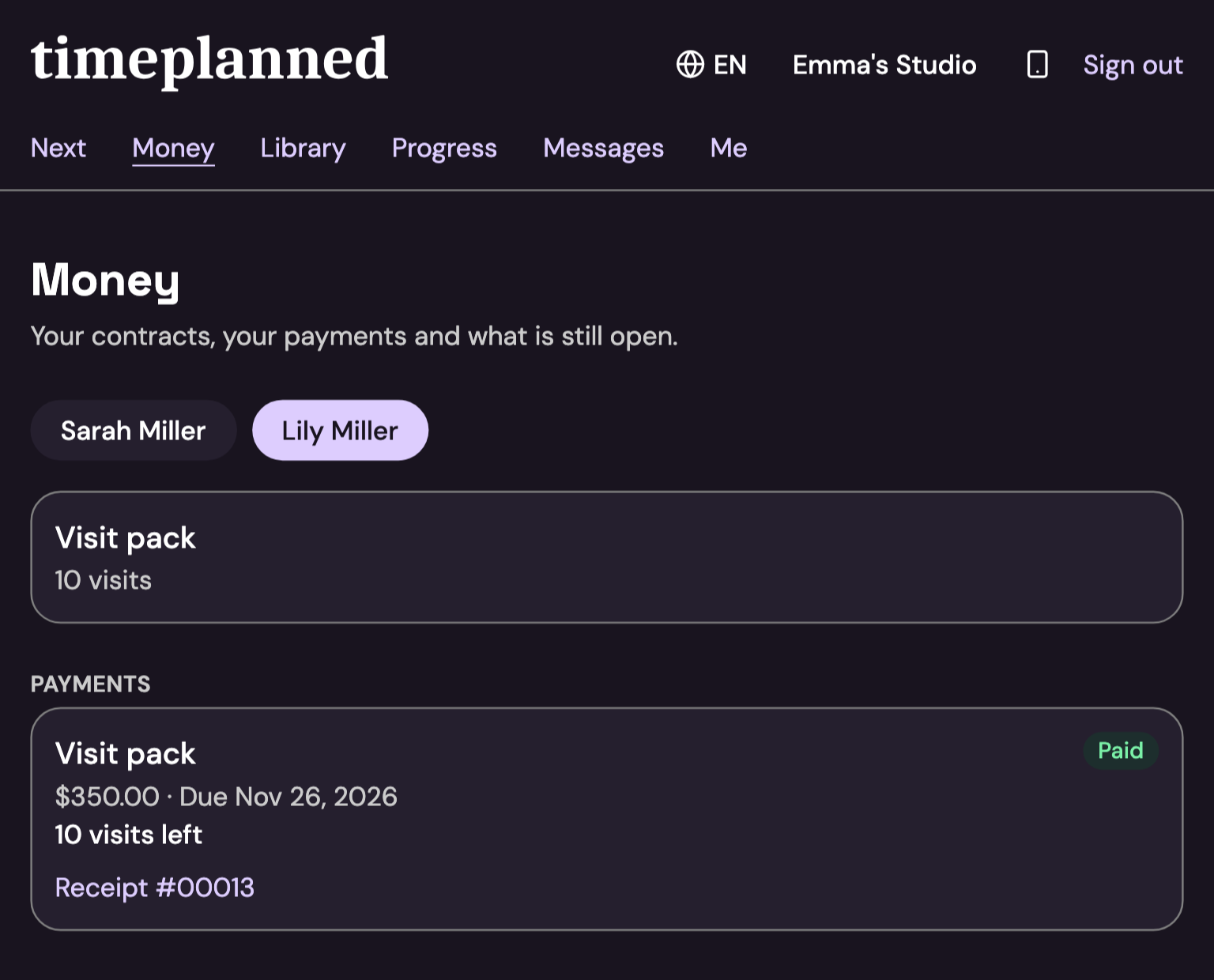
After the month ends, review each student’s drafted bill. Lessons covered by a prepaid pack reduce its balance; parents can see the bill and remaining lessons in their portal.
For new students, your booking page also takes trial requests. You confirm each request before the student joins your list.
$9.99 a month or $99 a year, including one teacher
Each additional active teacher costs $4.99 a month or $49 a year. Accounts started by December 31, 2026 qualify for Solo at $5.99 a month. Euro-area prices are listed on the pricing page. See pricing
Timeplanned on your phone
The Timeplanned app for iPhone and Android costs nothing extra and opens the same account you use on the web.
For you as the teacher
Today's lessons with attendance, which you can mark offline too, your week, your students and their messages.
For students and parents
Their next lesson, what is due, the materials you share and their messages with you. They sign in with a code sent to their email, no password needed.




When Timeplanned is the wrong choice
For three kinds of work, another tool serves you better than Timeplanned.
- You only need a link where people book one-off appointments. A general booking tool does that; Timeplanned earns its price when the same students come every week.
- Your school enrolls hundreds of students each term and runs payroll. A full school administration system fits better.
- You want your bookkeeping and tax return done. Timeplanned drafts the bills to your students; the books stay in your accounting software.
Questions before you start
- What is Timeplanned?
- Timeplanned is scheduling and billing software for private teachers and small schools. You enter each student's weekly time once, mark attendance after each class, and the month's bills are drafted from that record. Students and parents see their dates and bills in a portal. CQUELLE GmbH in Hamburg builds and runs it.
- How much does Timeplanned cost?
- Timeplanned costs $9.99 a month or $99 a year, including one teacher. Each additional active teacher costs $4.99 a month or $49 a year. Solo and Club have the same base price; Club adds community features. Every account starts with a 60-day trial.
- Can a school with several teachers use it?
- Yes, a small one. You invite the other teachers to your account, each class belongs to the teacher who gives it, and students, cards and bills are shared. Each additional active teacher adds a seat price, listed on the pricing page.
- Do I need a credit card to start?
- No. You start with your email address and get a sign-in link, so there is no password to set either. The trial runs for 60 days with every feature on.
- Where is my students' data stored?
- On servers in Germany. Files and email go through Amazon Web Services in Frankfurt, and payments through Stripe. Every student's record sits in your account, where you can export or delete it.
- Which calendars does Timeplanned sync with?
- Google Calendar and Outlook. Your teaching week sits next to your private appointments, so the dentist and Tuesday at four stop colliding.
A week of real lessons tells you more than this page
Put in the students you teach now. By the first bill you will know whether Timeplanned fits how you work.